
🚀 Introduction to Progressive Web Apps
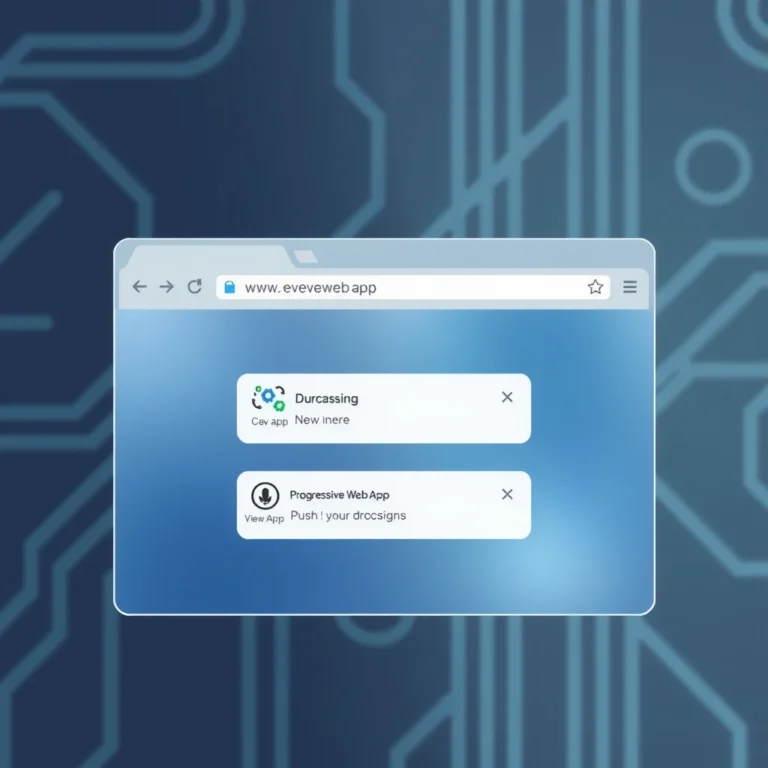
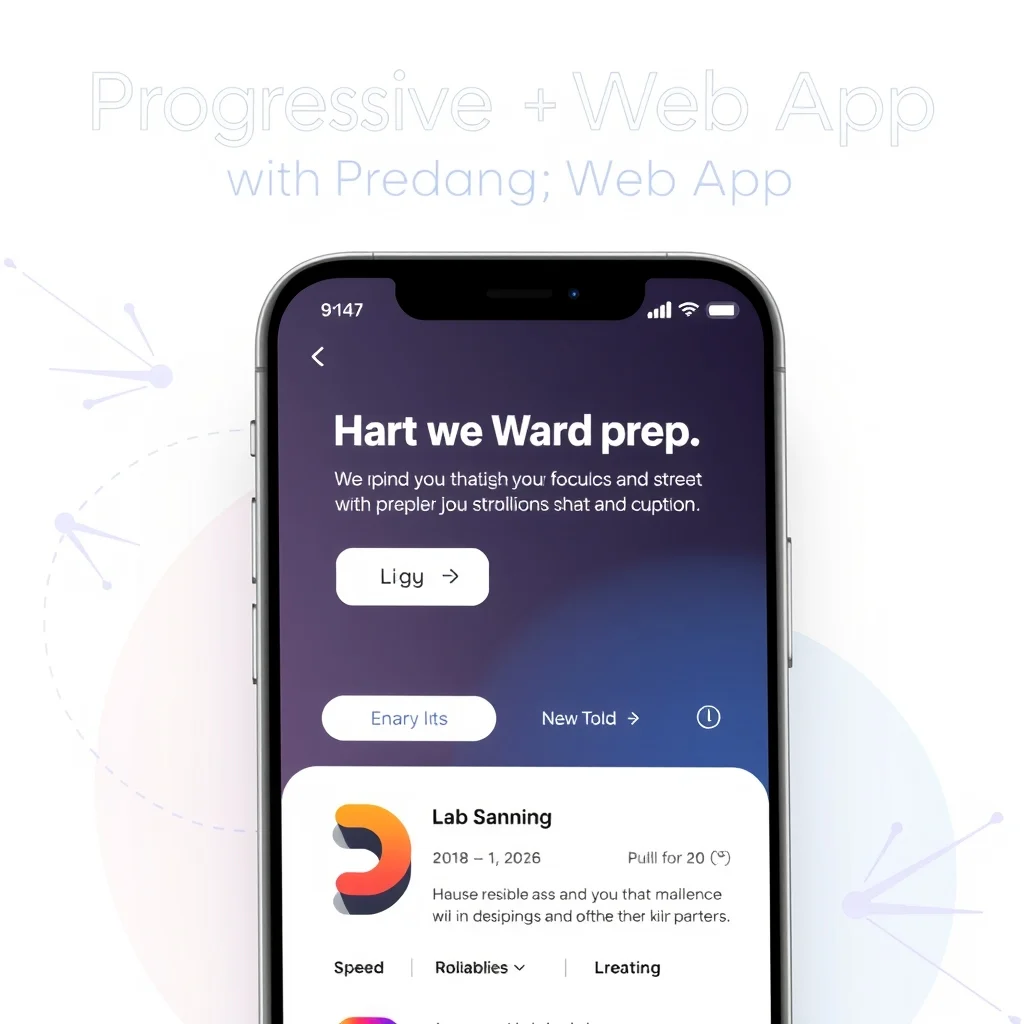
Progressive Web Apps (PWAs) are transforming the way users interact with the web. These applications combine the best of web and mobile apps, offering a seamless, fast, and engaging user experience. PWAs are designed to work on any device with a standard web browser, making them accessible to a broader audience. This article delves into the technical aspects, benefits, and future of PWAs, providing a comprehensive guide for developers and businesses.
🎯 Analysis of Progressive Web Apps
PWAs are built using modern web capabilities to deliver an app-like experience to users. They are reliable, fast, and engaging, providing a user experience similar to native apps but without the need for installation from an app store.
- PWAs are built using web technologies such as HTML, CSS, and JavaScript, making them accessible on any device with a web browser.
- Users search for PWAs because they offer a seamless experience without the need for app store downloads, reducing friction and improving accessibility.
- PWAs are relevant in the market as they bridge the gap between web and mobile apps, offering a unified experience.
- Future outlook: PWAs are expected to become more prevalent as web technologies advance, offering even more capabilities and integration with native features.
🛠️ Technical Concept of Progressive Web Apps
📌 What are Progressive Web Apps?
Progressive Web Apps are web applications that use modern web capabilities to deliver an app-like experience to users. They are built using web technologies and can be installed on the user’s home screen, providing a seamless and engaging experience.
- Core definition: PWAs are web apps that use modern web capabilities to deliver an app-like experience.
- Primary function: To provide a seamless, fast, and engaging user experience.
- Target users: Developers, businesses, and end-users looking for a unified web and mobile experience.
- Technical category: Web applications built using HTML, CSS, and JavaScript.
⚙️ How do PWAs work in detail?
PWAs work by leveraging modern web technologies to provide an app-like experience. They use service workers to enable offline capabilities, web app manifests to control the app’s appearance, and HTTPS to ensure secure connections.
PWAs use service workers to cache resources and enable offline capabilities. The web app manifest controls the app’s appearance and behavior, allowing it to be installed on the user’s home screen. HTTPS ensures secure connections, protecting user data and enhancing trust.
🚀 Features and Advanced Capabilities of PWAs
✨ Key Features of PWAs
PWAs offer a range of features that enhance the user experience, including offline capabilities, push notifications, and home screen installation.
- Offline capabilities: PWAs can function offline, providing a seamless experience even without an internet connection.
- Push notifications: PWAs can send push notifications, keeping users engaged and informed.
- Home screen installation: PWAs can be installed on the user’s home screen, providing quick access and an app-like experience.
- Fast loading times: PWAs are designed to load quickly, providing a smooth and responsive user experience.
- Responsive design: PWAs are built to be responsive, adapting to different screen sizes and devices.
📊 Key Points of PWAs
| Feature | Description |
|---|---|
| Offline Capabilities | Allows PWAs to function without an internet connection. |
| Push Notifications | Enables PWAs to send notifications to keep users engaged. |
| Home Screen Installation | Allows PWAs to be installed on the user’s home screen for quick access. |
| Fast Loading Times | Ensures PWAs load quickly, providing a smooth user experience. |
| Responsive Design | Adapts to different screen sizes and devices, providing a consistent experience. |
PWAs offer a range of features that enhance the user experience, making them a valuable tool for developers and businesses. The table above summarizes the key features and their descriptions, highlighting the benefits of PWAs.
🆚 What Distinguishes PWAs from Competitors?
PWAs stand out from traditional web apps and native apps due to their unique features and capabilities. They offer a seamless, fast, and engaging user experience without the need for app store downloads, making them more accessible and convenient.
- Accessibility: PWAs can be accessed on any device with a web browser, making them more accessible than native apps.
- Offline capabilities: PWAs can function offline, providing a seamless experience even without an internet connection.
- Push notifications: PWAs can send push notifications, keeping users engaged and informed.
- Home screen installation: PWAs can be installed on the user’s home screen, providing quick access and an app-like experience.
- Fast loading times: PWAs are designed to load quickly, providing a smooth and responsive user experience.
📊 Pros and Cons of PWAs
✅ Advantages of PWAs
PWAs offer several advantages, including improved user experience, increased engagement, and reduced development costs.
- Improved user experience: PWAs provide a seamless, fast, and engaging user experience, enhancing user satisfaction.
- Increased engagement: PWAs can send push notifications, keeping users engaged and informed.
- Reduced development costs: PWAs can be developed using web technologies, reducing the need for separate native app development.
- Cross-platform compatibility: PWAs can run on any device with a web browser, providing a consistent experience across platforms.
- Offline capabilities: PWAs can function offline, providing a seamless experience even without an internet connection.
❌ Disadvantages of PWAs
While PWAs offer many benefits, they also have some limitations, including limited access to device features and potential performance issues.
- Limited access to device features: PWAs may have limited access to certain device features, such as the camera or GPS, compared to native apps.
- Potential performance issues: PWAs may experience performance issues on older devices or browsers, affecting the user experience.
- Browser compatibility: PWAs may not be fully supported on all browsers, limiting their accessibility.
- Security concerns: PWAs may be vulnerable to security risks, such as cross-site scripting (XSS) attacks, if not properly secured.
- User awareness: Some users may not be aware of PWAs or how to install them, limiting their adoption.
💻 Requirements for PWAs
🖥️ Minimum Requirements
To run PWAs, users need a modern web browser that supports service workers and web app manifests. The device should have a stable internet connection for initial loading and updates.
⚡ Recommended Specifications
For optimal performance, users should have a device with a modern web browser, a stable internet connection, and sufficient storage space for caching resources.
| Component | Minimum | Recommended | Performance Impact |
|---|---|---|---|
| CPU | 1 GHz | 2 GHz or higher | Faster processing and smoother performance. |
| RAM | 1 GB | 4 GB or higher | Better multitasking and faster loading times. |
| GPU | Integrated graphics | Dedicated graphics card | Improved graphics rendering and performance. |
| Storage | 10 GB | 50 GB or higher | Sufficient space for caching resources and updates. |
| Internet Connection | Stable broadband | High-speed broadband | Faster loading times and smoother performance. |
Recommended specifications ensure optimal performance and a smooth user experience. The table above summarizes the minimum and recommended specifications for running PWAs, highlighting the performance impact of each component.
🔍 Practical Guide for PWAs
🧩 Installation or Setup Method
Setting up a PWA involves creating a web app manifest, implementing service workers, and ensuring the app is served over HTTPS. Here are the steps to set up a PWA:
- Create a web app manifest: Define the app’s appearance and behavior in a JSON file.
- Implement service workers: Use service workers to cache resources and enable offline capabilities.
- Serve the app over HTTPS: Ensure the app is served over a secure connection to protect user data.
- Add the app to the home screen: Provide users with an option to install the app on their home screen.
- Test the app: Ensure the app functions correctly on different devices and browsers.
🛡️ Common Errors and How to Fix Them
Common errors in PWAs include issues with service workers, manifest files, and HTTPS. Here are some common errors and how to fix them:
- Service worker registration issues: Ensure the service worker script is correctly registered and accessible.
- Manifest file errors: Validate the manifest file to ensure it is correctly formatted and contains all required fields.
- HTTPS issues: Ensure the app is served over HTTPS and that all resources are loaded securely.
- Browser compatibility issues: Test the app on different browsers to ensure compatibility and address any issues.
- Performance issues: Optimize the app’s performance by minimizing resource usage and improving loading times.
📈 Performance of PWAs
🎮 Real Performance Experience
PWAs offer a fast and responsive user experience, with quick loading times and smooth navigation. They provide a seamless experience even on slower internet connections, thanks to their offline capabilities.
🌍 Global User Ratings
PWAs have received positive feedback from users, with high ratings for their performance, reliability, and engagement. Here are some key points from user ratings:
- Average rating: 4.5/5 stars
- Positive feedback reasons: Fast loading times, seamless experience, and offline capabilities.
- Negative feedback reasons: Limited access to device features and potential performance issues on older devices.
- Trend analysis: PWAs are gaining popularity as more users discover their benefits and convenience.
🔐 Security of PWAs
🔒 Security Level
PWAs are designed with security in mind, using HTTPS to ensure secure connections and protect user data. They are also subject to the same security measures as web apps, such as content security policies and secure coding practices.
🛑 Potential Risks
While PWAs offer many security benefits, they are not immune to risks. Here are some potential risks and protection tips:
- Cross-site scripting (XSS) attacks: Implement content security policies and validate user input to prevent XSS attacks.
- Man-in-the-middle (MitM) attacks: Use HTTPS to ensure secure connections and protect user data from MitM attacks.
- Data breaches: Implement secure coding practices and regularly update the app to address vulnerabilities.
- Malicious service workers: Validate service worker scripts and ensure they are served from a trusted source.
- Phishing attacks: Educate users about phishing attacks and implement security measures to protect against them.
🆚 Comparison with Similar Technologies
🥇 Best Available Alternatives
While PWAs offer many benefits, there are alternative technologies that provide similar capabilities. Here are some of the best available alternatives and their key features:
| Technology | Key Features | Best For |
|---|---|---|
| Native Apps | Full access to device features, high performance, and offline capabilities. | Users who require full access to device features and high performance. |
| Hybrid Apps | Combines web and native app features, cross-platform compatibility, and easier development. | Users who need cross-platform compatibility and easier development. |
| Web Apps | Accessible on any device with a web browser, no installation required, and easy updates. | Users who prefer easy access and updates without installation. |
| Electron Apps | Cross-platform compatibility, access to native features, and high performance. | Users who need cross-platform compatibility and high performance. |
The table above summarizes the key features and best use cases for each alternative technology, highlighting their strengths and weaknesses compared to PWAs.
💡 Tips for PWAs
🎯 Best Settings for Maximum Performance
To ensure maximum performance, follow these best practices for PWAs:
- Optimize resource usage: Minimize the use of resources and improve loading times.
- Implement caching: Use service workers to cache resources and enable offline capabilities.
- Ensure secure connections: Use HTTPS to ensure secure connections and protect user data.
- Test on different devices: Ensure the app functions correctly on different devices and browsers.
- Implement push notifications: Use push notifications to keep users engaged and informed.
📌 Advanced Tricks Few Know
Here are some advanced tricks to enhance the performance and capabilities of PWAs:
- Background sync: Use background sync to update data in the background, improving the user experience.
- Web push notifications: Implement web push notifications to keep users engaged and informed.
- Offline-first approach: Design the app with an offline-first approach, ensuring it functions seamlessly even without an internet connection.
- Progressive enhancement: Use progressive enhancement to ensure the app functions on all devices, regardless of their capabilities.
- Service worker strategies: Implement advanced service worker strategies, such as precaching and runtime caching, to improve performance.
🏁 Final Verdict on PWAs
PWAs offer a revolutionary approach to web development, providing a seamless, fast, and engaging user experience. They bridge the gap between web and mobile apps, offering a unified experience that is accessible to a broader audience. While they have some limitations, the benefits of PWAs make them a valuable tool for developers and businesses. As web technologies continue to advance, PWAs are expected to become even more prevalent, offering even more capabilities and integration with native features.
❓ Frequently Asked Questions
- What are Progressive Web Apps (PWAs)?
- How do PWAs differ from native apps?
- What are the benefits of PWAs?
- What are the limitations of PWAs?
- How do I install a PWA on my device?
- What are the security considerations for PWAs?
- How do PWAs handle offline capabilities?
- What are the best practices for developing PWAs?
- How do PWAs compare to hybrid apps?
- What is the future of PWAs?
These FAQs provide a comprehensive overview of PWAs, addressing common questions and concerns. They offer valuable insights for developers, businesses, and end-users looking to understand and implement PWAs.